Synced Accounting
Our Synced Accounting system bridges the gap between your field operations and your finances, automatically transferring & exporting job completions, invoices, and payments so your accounts are always accurate without manual data entry.
Seamless, Synced Accounting
Transfer financial data effortlessly between the field and your accounting software for streamlined bookkeeping
Keeping your financial data accurate and up-to-date can be a challenge when it’s scattered across different systems. Our Synced Accounting feature bridges the gap between your field operations and your accounting software, ensuring that all your financial data flows seamlessly and stays in sync.
With support for all the top accounting platforms, you can easily transfer data like job costs, expenses, and invoicing information directly from the field to your accounting system. This means less manual data entry, fewer errors, and a more efficient bookkeeping process overall.
How We Can Streamline Your Workflow with Synced Accounting
Keep your financial data accurate and up-to-date with seamless syncing between the field and your accounting software
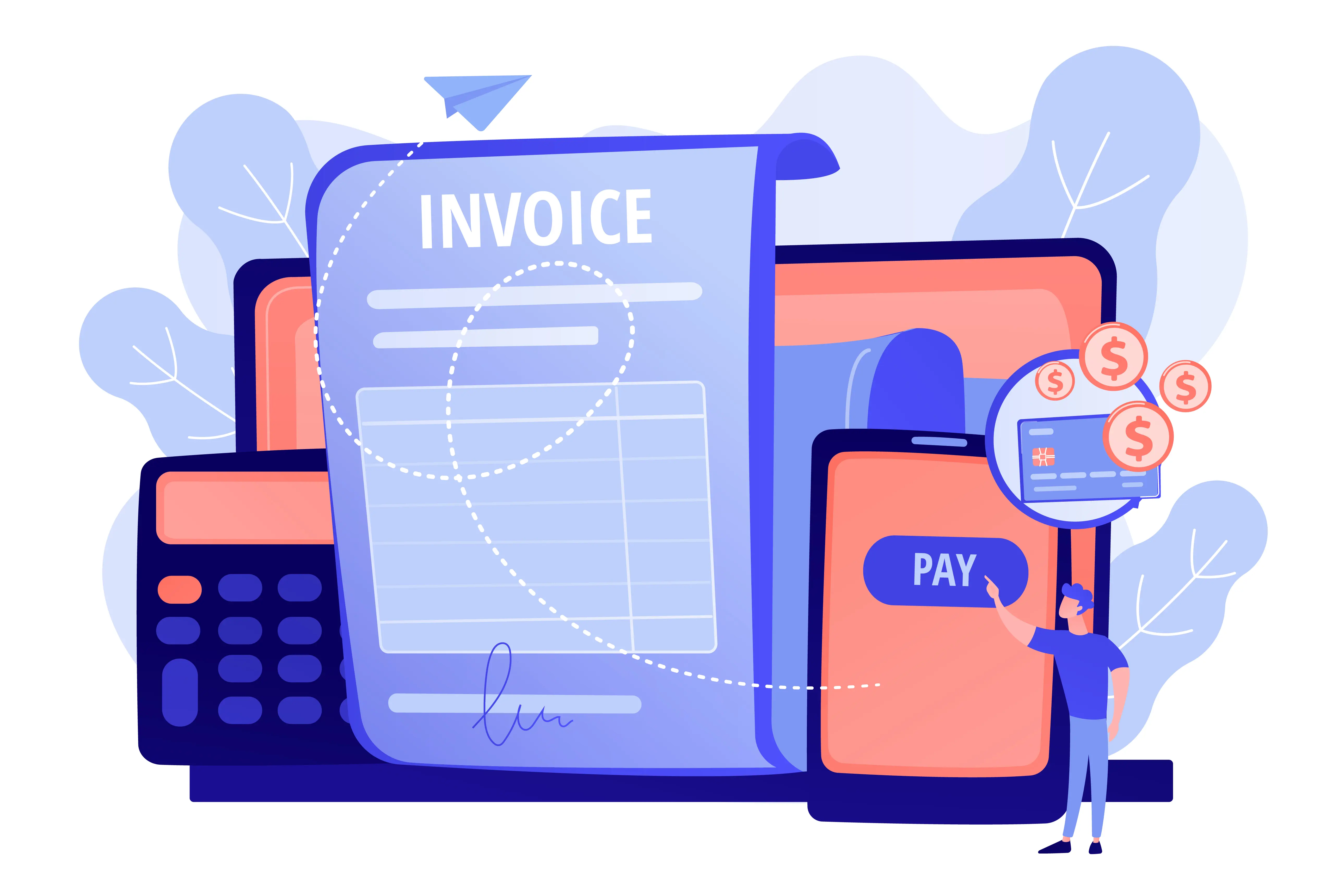
Automatic Invoice Generation
Invoices are generated automatically when jobs are marked as complete, reducing manual admin and ensuring no billable work is ever missed. Customise invoice templates to reflect your brand and billing requirements.
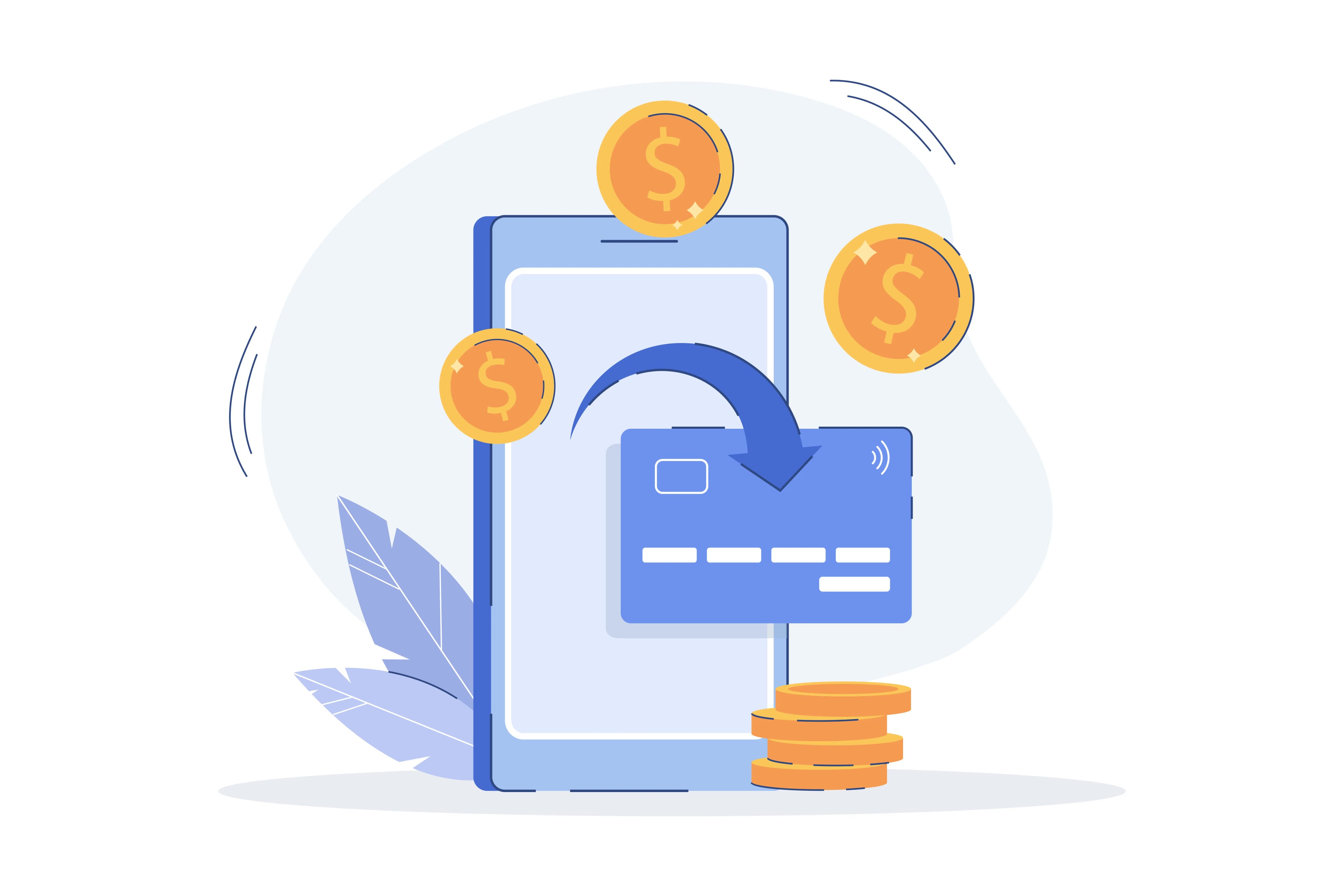
Payment Tracking
Track outstanding, partial, and completed payments against each job and customer account in real time. Take action on overdue invoices quickly to maintain healthy cash flow.
Account Customer Billing
Automate billing cycles for account customers with configurable billing options and payment terms. Statements are generated and dispatched automatically, saving hours of manual administration each month.

Expense Recording
Log job-related expenses such as products, labour and other costs directly against individual jobs. This provides accurate cost-versus-revenue reporting for every piece of work completed by your team.
Integration Ready
Sync financial data with your existing accounting platforms to eliminate double entry and keep all records consistent. Supported exports and integrations ensure our solution fits into your current financial workflow.
Financial Overview
Access a real-time financial dashboard showing revenue, outstanding invoices, and job profitability at a glance. Drill down into individual accounts or time periods using reports to get the detail you need.


Key Synced Accounting Features
Tools designed to simplify financial data management and keep your books accurate
Auto-Generated Invoices
Invoices are created and sent automatically on job completion, removing manual billing steps and ensuring every job is accounted for.

Payment Status
Track the payment status of every job and customer account live, so you always know where your cash flow stands.

Account Customer Automation
Set up automated billing options for account customers and let jobs on the move handle statement generation and dispatch on your behalf.
Explore Synced Accounting
See how Jobs On The Move can streamline your entire operation.
Explore Synced Accounting